Livestream
Link/Embed
You can set a livestream for your event via the admin area of Skate Results. You can either
- set a link to a livestream (recommended), or
- provide HTML code to embed a livestream.
When a link is provided, Skate Results automatically generates the embedding to have an optimal user experience. Currently, the following platforms are supported:
- Sportdeutschland.tv
- Twitch
- YouTube
Unsupported platforms will be displayed as a link. Simply paste the link from your browser's address bar into the input field and click "Save". Exception: sportdeutschland.tv.
Video URLs and export chapters
After the event you can link recordings to races and build chapter lists for your VOD:
- Video URLs — attach a URL per timetable race (for example per-race replays).
- Export chapters — generate YouTube-style chapter timestamps from live race starts.
Both assume Skate Results is connected to your timekeeping system during the race; see each page and Timekeeping.
Sportdeutschland.tv
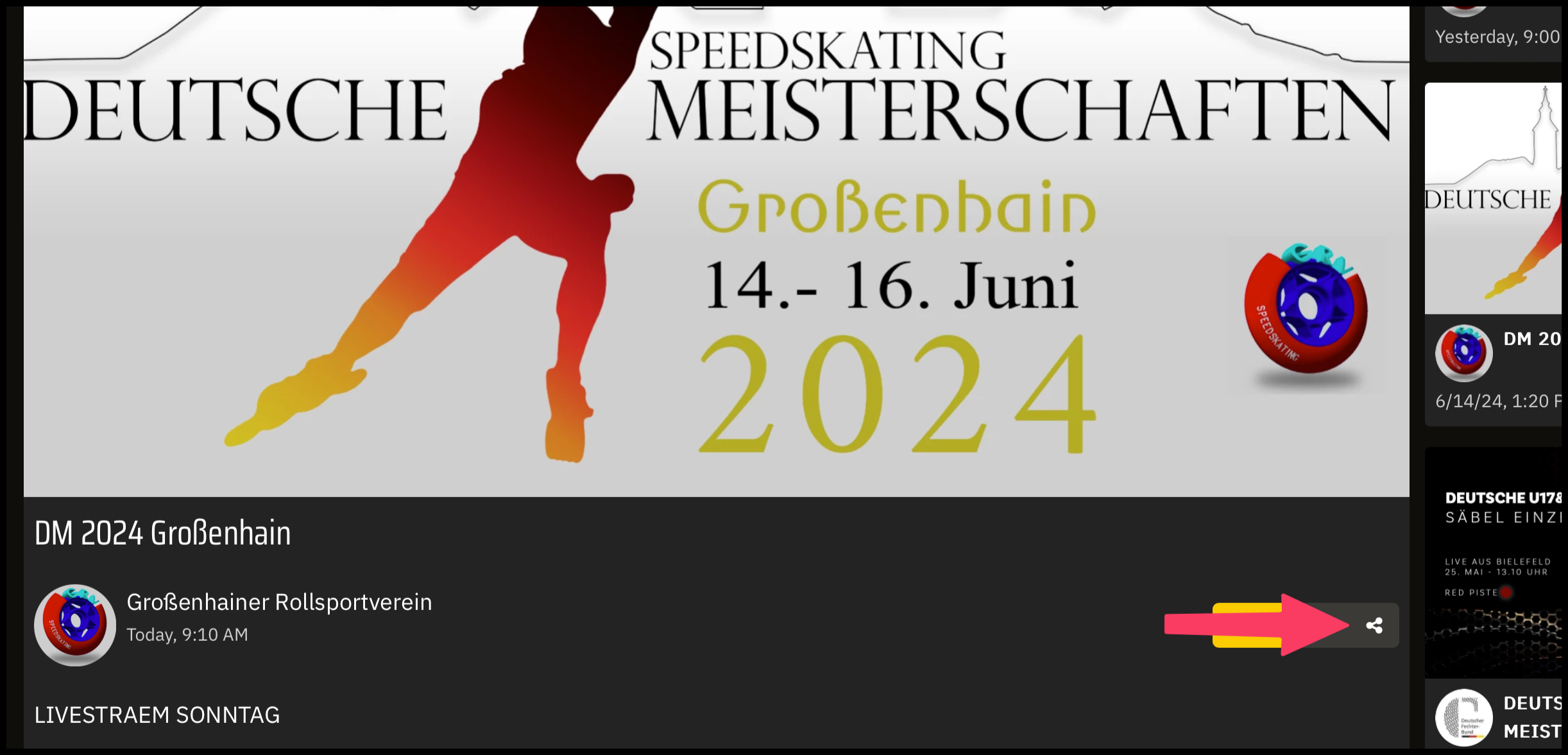
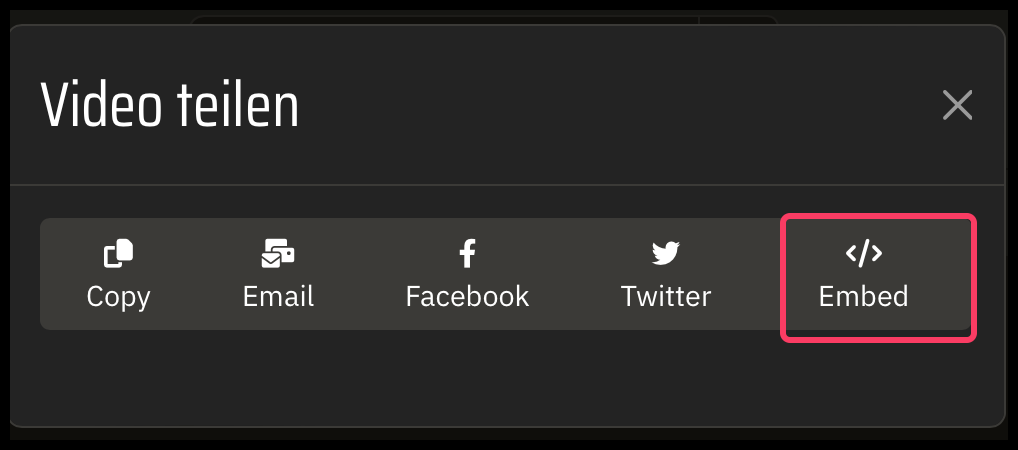
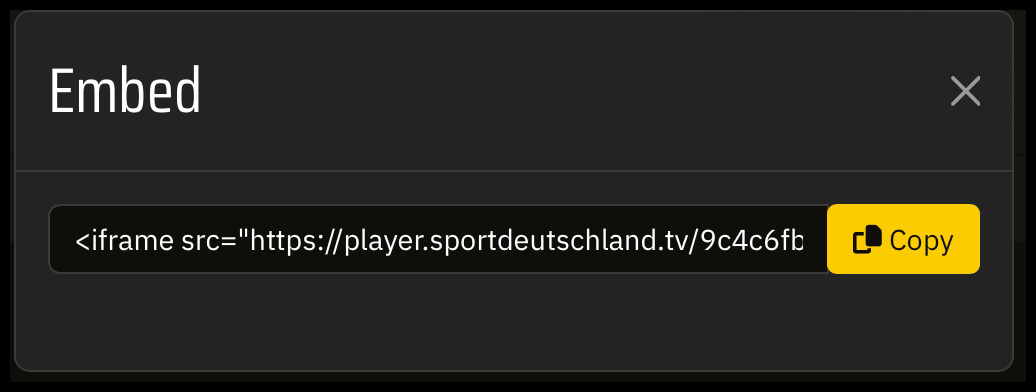
To embed a livestream from sportdeutschland.tv, you first need to copy the url of the player. To do so, click the share button, then "Embed" and copy the code. Paste the code into the input field and click "Save". In Skate Results, keep the livestream type "Url". Skate Results automatically extracts the url from the code.